The K-12 Teacher’s 60-Second Playbook: Turn PDF Worksheets & Voice Notes into Interactive Canvas, Schoology & Google Classroom SCORM Lessons for $0
How 5th-12th grade teachers and curriculum specialists bypass the $1,399/year Articulate 360 price tag, saving 10+ hours per week by converting lesson packets and voice memos into self-grading SCORM courses with automatic gradebook reporting.
Direct Answer: Public school teachers spend an average of 10.5 hours per week of unpaid personal time building interactive quizzes and formatting digital worksheets.
- Public school teachers spend an average of 10.5 hours per week of unpaid personal time building interactive quizzes and formatting digital worksheets.
- Legacy authoring tools like Articulate 360 ($1,399/yr) and Adobe Captivate are economically out of reach for public school district budgets and individual teacher salaries.
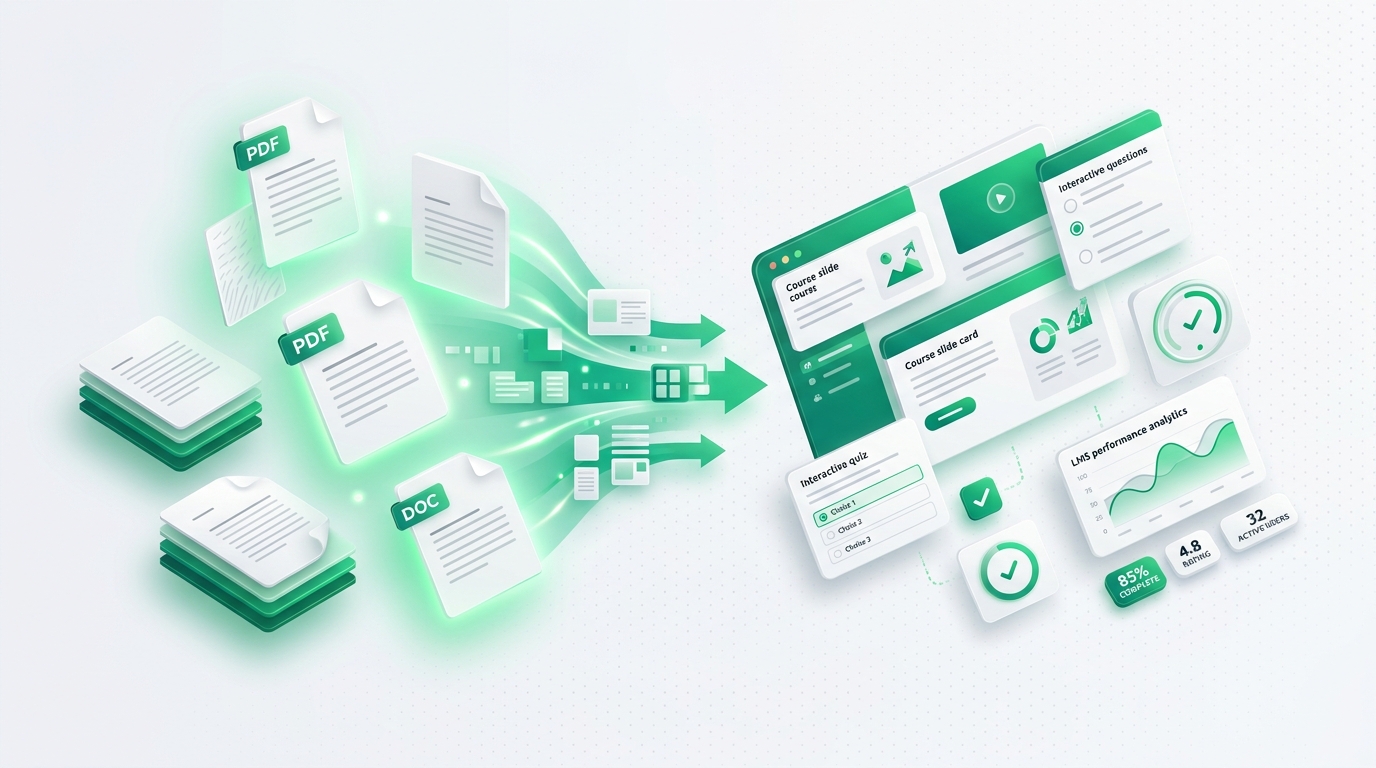
- DocScorm allows teachers to drag and drop a lesson PDF or speak a 2-minute voice note, compiling a Section 508 / WCAG 2.1 AA compliant SCORM 1.2 package in under 60 seconds.
- Built-in formative comprehension checks automatically pass student grades, attempt counts, and completion statuses directly into Canvas SpeedGrader, Schoology, and Moodle gradebooks.
The K-12 Teacher Dilemma: The 10-Hour Weekend Burden
Every Sunday afternoon, hundreds of thousands of 5th to 12th-grade classroom teachers face the same exhausting routine: sitting in front of a laptop trying to turn state curriculum standards, textbook PDFs, and printed reading packets into interactive digital assignments for their school’s LMS.
Uploading raw PDFs to Canvas or Google Classroom results in passive, disengaged students who scroll to the bottom without reading. Yet creating true interactive courseware with branching quizzes and audio narration historically required expensive desktop software like Articulate 360—which carries a staggering $1,399 annual price tag that school districts rarely fund.
How DocScorm Empowers K-12 Classrooms in 60 Seconds
DocScorm replaces weeks of manual slide design with an automated, pedagogically grounded compilation pipeline. By simply dragging a lesson PDF or speaking a brief audio explanation, DocScorm executes four automated transformations:
- Cognitive Chunking: Breaks 20-page reading packets into 8 to 12 bite-sized interactive slide cards with clear learning objectives.
- Formative Comprehension Dilemmas: Formulates age-appropriate multiple-choice and scenario checks with instant corrective feedback for incorrect answers.
- Synchronized Audio Narration: Generates warm, natural teacher voiceovers in 60+ languages so ESL/ELL and neurodivergent students can listen while reading.
- Universal Gradebook Reporting: Implements standard cmi.core.lesson_status and cmi.core.score.raw SCORM variables that instantly sync with Canvas, Schoology, and Moodle gradebooks.
| Metric / Feature | Traditional Articulate 360 Workflow | DocScorm Automated Pipeline |
|---|---|---|
| Software Cost | $1,399 / seat per year | $0.00 Free Educator Starter Tier |
| Creation Time per Unit | 8 to 12 hours of manual design | 60 seconds automated compilation |
| Accessibility Compliance | Requires manual ARIA tag configuration | Automated Section 508 & WCAG 2.1 AA |
| LMS Gradebook Sync | Complex manual manifest export | Instant SCORM 1.2 zip upload |
| Audio Narration | Requires studio mic or external fees | Built-in multi-voice natural speech |
Step-by-Step: Uploading Your First DocScorm Package to Canvas & Schoology
Deploying your compiled SCORM lesson to your classroom takes less than two minutes:
1. In DocScorm Studio, upload your worksheet PDF or record your voice memo and click "Compile Course".
2. Download the certified SCORM 1.2 .zip package.
3. Open Canvas LMS, navigate to your Course, click "SCORM" in the left sidebar, and click "Upload".
4. Select "Import as Graded Assignment", set your points (e.g. 100 points), and click Save & Publish.
When students complete the interactive lesson, their score and completion timestamp appear automatically in your Canvas Gradebook with zero manual grading required!
Connect your instructional workflows directly to DocScorm's course creation tools and validators:
Convert PDFs (Up to 200 Pages), DOCX, PPTX, or MP4 Videos into SCORM in 60s
Open DocScorm Studio or explore the Pro Plan (50 monthly credits + 1-click multi-language bundles + embedded course-source.json round-trip editing).
Frequently Asked Questions
Does DocScorm work with Google Classroom?
Yes. While Google Classroom does not have a native SCORM runtime engine like Canvas or Moodle, you can host your DocScorm package with 1 click on Cloudflare R2 or ScormCloud and paste the embed link directly into Google Classroom as an interactive assignment.
Are generated quizzes aligned with state curriculum standards?
Yes. When you upload your state standard or lesson outline, DocScorm extracts the core learning targets and formulates Bloom’s Taxonomy-aligned comprehension dilemmas specifically keyed to those standards.